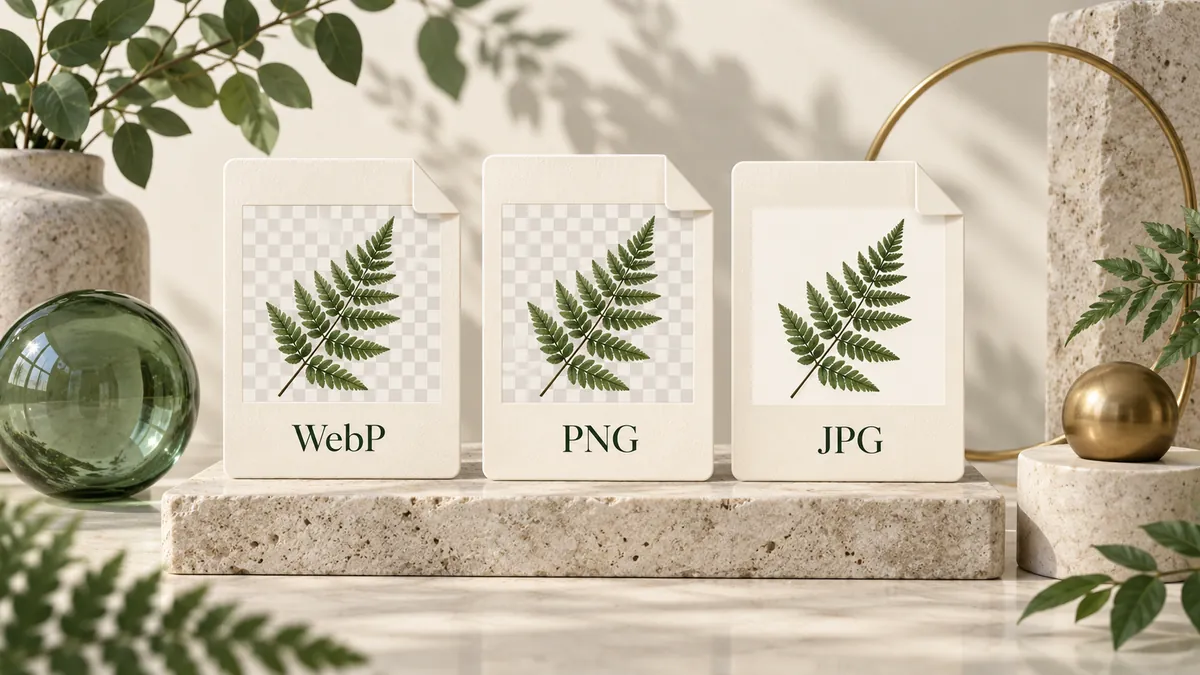
WebP, PNG and JPG image cards compare transparent and opaque backgrounds.Original concept illustration. It explains the workflow; it is not a measured conversion result.
Six useful conversions. One simple workflow. Every image is processed in your browser.
Start from the actual source format, then choose the delivery format. Each route handles one explicit pair, so the available settings reflect what that output can do.
5 sections3 min readUpdated
Botanical image cards are grouped in a green folder with a zipper, with individual files alongside.Original concept illustration. It explains the workflow; it is not a measured conversion result.
In this guide +01
Match the real source, not just its name
A .png filename can still contain another format if someone renamed it. These converters inspect the image container and require a supported still source for the selected route. Choose WebP, PNG or JPEG based on the actual image. JPG and JPEG are the same source format, so they do not need separate converters.
This directory contains exactly six paths between those three formats. It does not imply GIF, AVIF, HEIC, SVG or video support. Animated WebP and APNG are rejected. If your original is unsupported, export a suitable still image from its source application before using a matching route here.
02
The output determines the settings
PNG output stores working pixels losslessly and does not need a lossy quality control. JPG output offers quality and a background color because it is opaque. WebP output offers quality and retains supported alpha while using lossy color. These are output decisions, not ways to resize the image or repair an old export.
Before a large group, convert one representative source and inspect the saved result. A screenshot and a photograph can need different quality choices even on the same route. Save checked outputs, then clear the queue and start the next group; this keeps the working set manageable and makes failed items easier to identify.
03
The limits before you start
The converter accepts still images within all of the limits below. They are admission limits, not performance promises. A queue can be accepted and later produce a larger result that cannot be retained or packed into one archive. Save individual completed files when a ZIP is unavailable.
MiB means 1,048,576 bytes. A ZIP also has a working-memory limit, so the byte cap alone does not determine availability.
Current converter limits
Resource
Maximum
Files in one queue
10
Each source file
20 MiB
Total source / total retained results
100 MiB / 100 MiB
Pixels in each image
16,000,000
Width or height
8192 px
ZIP download
64 MiB; 32 MiB in smaller-limit mode
04
Local processing: what stays on your device
Selecting a file gives this page access to the selected image so it can decode and convert it in your browser. Source files, filenames, pixels, previews, EXIF and clipboard images are not sent to a conversion server or telemetry by this tool. ZIP creation also runs on the device. No account is required.
Local image processing does not mean that opening the website makes no network requests. The browser still requests the page, scripts and codec assets, and the host can receive ordinary connection information. Cookie Settings describes the available optional purposes and lets you change your choice. Keep sensitive downloads under your own device and storage controls.
A successful download is the start of the final check. Open the output in the application that will actually use it. A slide editor, upload form and image viewer can handle the same file differently. Checking the intended destination catches problems that the browser preview alone cannot reveal.
Confirm the extension and that the destination opens the image without an error.
Check width, height and visible orientation; compare them with the original.
Inspect fine text, diagonals, hair, shadows and gradients at 100% zoom.
Place transparent graphics on both a light and a dark background.
Compare the actual byte size with the destination limit before submitting.
Keep the source until every downloaded file has been checked.
Your privacy choices
Before you choose, this version makes necessary site requests only. Agree enables the optional preferences listed in Manage Options. It does not accept the Terms or grant rights to your images. Change your choice anytime in Cookie Settings.